
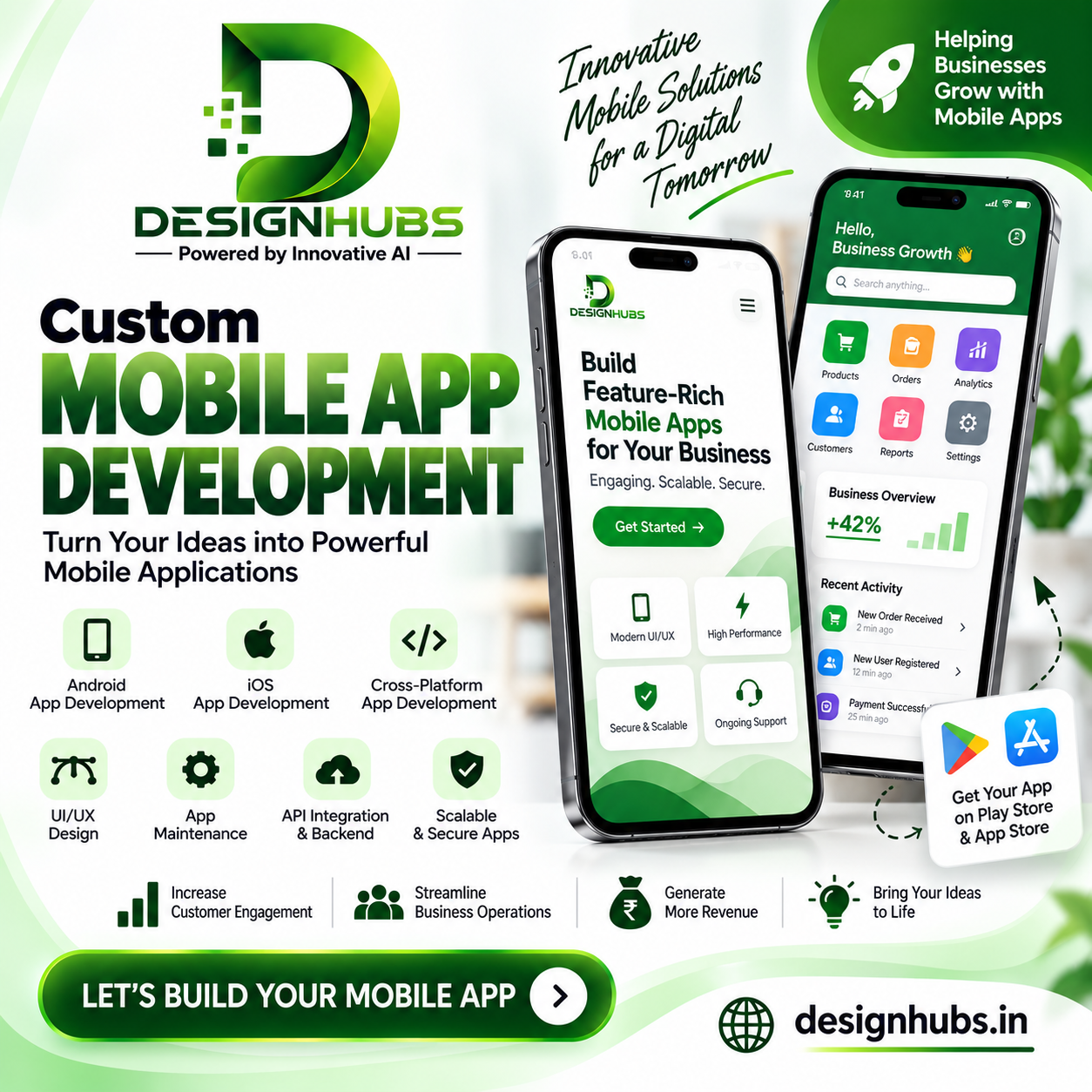
Mobile App Development: A Complete Guide to Professional Mobile App Development Services
Mobile applications have become an important part of how businesses connect with customers, manage operations, sell products, provide services, and build digital experiences. From e-commerce and banking to healthcare, education, real estate, travel, entertainment, and business management, mobile apps are being used across industries.
For businesses, having a mobile application can provide a direct digital channel through which customers can access products, services, information, accounts, support, and other features.
However, successful mobile app development involves much more than simply creating an application and publishing it on an app store. A professional mobile app requires proper planning, user interface design, frontend and backend development, database integration, APIs, security, testing, performance optimization, and ongoing maintenance.
Businesses looking for a mobile app development company need to consider both their current requirements and future scalability.
At DesignHubs, we provide software development, mobile app development, website development, e-commerce solutions, graphic designing, and digital marketing services to help businesses build customized digital solutions.
What Is Mobile App Development?
Mobile app development is the process of designing, developing, testing, deploying, and maintaining applications for mobile devices such as smartphones and tablets.
Mobile applications can be developed for different operating systems, including:
-
Android
-
iOS
Depending on the project requirements, businesses can choose native app development or cross-platform development.
A mobile application can be created for many purposes, including:
-
E-commerce
-
Business management
-
Education
-
Healthcare
-
Real estate
-
Food delivery
-
Travel
-
Finance
-
Social networking
-
Entertainment
-
Fitness
-
Customer service
-
On-demand services
The features and technology depend on the application's purpose and target users.
Why Do Businesses Need Mobile Apps?
Customers increasingly use smartphones for everyday activities such as shopping, communication, payments, bookings, entertainment, education, and accessing services.
A mobile application can provide businesses with a direct platform for customer interaction.
Depending on the business model, a mobile app can help provide:
-
Direct customer access
-
Product browsing
-
Online ordering
-
Account management
-
Notifications
-
Booking
-
Payments
-
Customer support
-
Personalized experiences
-
Loyalty programs
For businesses with frequent customer interaction, a mobile app can become an important part of their digital ecosystem.
Mobile App Development vs Mobile-Friendly Website
A mobile-friendly website and a mobile application are different digital solutions.
A responsive website can be accessed through a browser and adapts to different screen sizes.
A mobile application is installed on a device and can provide app-specific functionality.
A business may choose a website, mobile app, or both depending on its requirements.
Mobile Website
A mobile website can be useful when:
-
Users need quick access without installation.
-
Search engine visibility is important.
-
The business primarily provides information.
-
Users may visit occasionally.
Mobile Application
A mobile app can be useful when:
-
Customers frequently use the service.
-
User accounts are required.
-
Push notifications are useful.
-
Personalized functionality is required.
-
Device-level features are needed.
-
The business wants a dedicated mobile experience.
Many businesses use both a website and mobile application as part of their overall digital strategy.
Types of Mobile App Development
Mobile applications can be developed using different approaches.
Android App Development
Android applications are designed for devices running the Android operating system.
Android app development can involve technologies such as:
-
Kotlin
-
Java
-
Android SDK
-
Android development tools
Android applications can be distributed through the Google Play Store and other permitted channels.
iOS App Development
iOS applications are developed for Apple's mobile devices.
iOS development commonly uses technologies such as:
-
Swift
-
SwiftUI
-
Apple's development tools
Applications can be distributed through the Apple App Store after following Apple's applicable requirements and review process.
Cross-Platform App Development
Cross-platform development allows businesses to build applications that can run on multiple platforms using a shared development approach.
Depending on project requirements, technologies such as:
-
Flutter
-
React Native
may be considered.
Cross-platform development can reduce duplicated development work for certain applications, although the appropriate approach depends on the application's functionality and technical requirements.
Custom Mobile App Development
Every business has different requirements.
A restaurant may require an ordering application, while a real estate company may need a property management app. A school may require an education application, while a business may need an internal employee management system.
Custom mobile app development allows functionality to be designed around specific business requirements.
Custom applications can include:
-
User registration
-
Login
-
User profiles
-
Search
-
Filters
-
Product catalogs
-
Booking
-
Payments
-
Notifications
-
Chat
-
Location services
-
Dashboards
-
Reports
-
Admin panels
-
API integrations
The application architecture can be planned based on the business workflow.
Mobile App UI/UX Design
The user interface and user experience are important parts of mobile application development.
A mobile application should make it easy for users to understand:
-
Where they are
-
What they can do
-
Where to find information
-
How to complete an action
-
How to return to previous screens
Mobile UI/UX design may include:
-
Splash screen
-
Onboarding
-
Login
-
Registration
-
Home screen
-
Navigation
-
Product screens
-
Forms
-
Profile
-
Settings
-
Notifications
The design should consider the device screen size and touch-based interaction.
Important Features of Mobile Applications
Depending on the application type, mobile apps can include different features.
User Registration and Login
Users can create accounts and securely access personalized functionality.
Authentication can potentially support:
-
Email
-
Mobile number
-
Password
-
OTP
-
Social login
The exact authentication method depends on the application requirements.
Push Notifications
Push notifications allow applications to send relevant updates to users.
They may be used for:
-
Order updates
-
Booking reminders
-
New products
-
Promotions
-
Account notifications
-
Service updates
Notification functionality should be designed carefully so that users receive useful and relevant communication.
Search and Filters
Applications with large amounts of content or products may require search and filtering functionality.
For example, an e-commerce app may allow users to search products by:
-
Category
-
Price
-
Brand
-
Rating
-
Availability
Payment Integration
E-commerce and service applications may require payment functionality.
Depending on the region and payment provider, applications may support:
-
Cards
-
UPI
-
Net banking
-
Wallets
-
Other supported payment methods
Payment integration should be implemented according to the payment provider's technical and security requirements.
GPS and Location Services
Location functionality can be useful for:
-
Food delivery
-
Cab booking
-
Real estate
-
Travel
-
Local services
-
Logistics
Location features should be implemented according to the application's needs and applicable permission requirements.
Chat and Communication
Some applications require direct communication between users and businesses.
Chat functionality can be used for:
-
Customer support
-
Buyer-seller communication
-
Service providers
-
Employee communication
-
Community applications
Booking Systems
Mobile apps can provide booking functionality for:
-
Hotels
-
Restaurants
-
Appointments
-
Events
-
Classes
-
Travel
-
Professional services
Users can view available options and submit or confirm bookings based on the system's functionality.
Mobile App Backend Development
The mobile application interface is only one part of the complete system.
Most business applications also require a backend system.
The backend can manage:
-
User accounts
-
Data
-
Products
-
Orders
-
Payments
-
Notifications
-
Bookings
-
Business rules
-
Reports
The mobile application communicates with the backend through APIs.
API Integration for Mobile Apps
APIs allow the mobile application to communicate with servers and external systems.
Mobile apps can use APIs for:
-
Login
-
User profiles
-
Product data
-
Orders
-
Payments
-
Maps
-
Notifications
-
CRM
-
Analytics
-
Third-party services
For example, an e-commerce application may use APIs to retrieve product information from a backend server and send order information after checkout.
Mobile App and CRM Integration
Businesses that generate customer leads or manage customer relationships can connect their mobile application with a CRM.
A mobile app can potentially send information such as:
-
Customer enquiries
-
Orders
-
Bookings
-
User information
-
Support requests
to a CRM system.
This can help connect the mobile experience with the company's sales and customer management processes.
Mobile App Admin Panel
Many business applications require an admin panel to manage the application.
An admin dashboard may allow authorized users to manage:
-
Users
-
Products
-
Orders
-
Bookings
-
Content
-
Notifications
-
Payments
-
Reports
-
Customer enquiries
The admin panel can be developed as a web-based dashboard that connects to the mobile application's backend.
E-Commerce Mobile App Development
E-commerce businesses can use mobile applications to provide customers with a dedicated shopping experience.
An e-commerce mobile app may include:
-
Product categories
-
Search
-
Filters
-
Product details
-
Product images
-
Wishlist
-
Shopping cart
-
Checkout
-
Payment gateway
-
Order tracking
-
Customer accounts
-
Offers
-
Notifications
The app can be connected to an e-commerce backend or business management system.
Real Estate Mobile App Development
Real estate businesses can use mobile applications to display and manage property information.
Features may include:
-
Property listings
-
Property search
-
Location-based search
-
Filters
-
Property images
-
Property details
-
Agent profiles
-
Enquiry forms
-
Site visit requests
-
Saved properties
A real estate application can also integrate with a CRM to manage property enquiries and customer follow-ups.
Education Mobile App Development
Educational applications can provide students with access to learning resources and services.
Features can include:
-
Student login
-
Courses
-
Video lessons
-
Study material
-
Tests
-
Assignments
-
Notifications
-
Progress tracking
-
Online payments
-
Teacher communication
The exact functionality depends on the educational organization's requirements.
Healthcare Mobile App Development
Healthcare applications can support various services depending on the use case.
Possible features include:
-
Doctor profiles
-
Appointment booking
-
Service information
-
Notifications
-
Patient communication
-
Reports
-
Location information
Healthcare applications that process sensitive information require appropriate security and privacy considerations.
Food Delivery App Development
Food delivery applications generally involve multiple user roles and systems.
A platform may require:
Customer App
-
Restaurant search
-
Menu
-
Cart
-
Checkout
-
Payment
-
Order tracking
Restaurant Panel
-
Menu management
-
Order management
-
Availability
-
Notifications
Delivery Panel
-
Delivery assignments
-
Order status
-
Location information
Admin Panel
-
User management
-
Restaurant management
-
Delivery management
-
Reports
Such applications require careful backend and API architecture.
On-Demand Service App Development
On-demand applications can connect customers with service providers.
Examples include:
-
Home services
-
Cleaning services
-
Repair services
-
Beauty services
-
Transportation
-
Professional services
Features can include:
-
Service selection
-
Provider search
-
Booking
-
Location
-
Payments
-
Notifications
-
Reviews
-
Customer support
Business Mobile Applications
Companies can also develop internal mobile applications for employees and business operations.
Examples include:
-
Employee management
-
Attendance
-
Task management
-
Sales management
-
Inventory
-
Field staff management
-
Reporting
-
Customer management
A business application can be integrated with existing software systems where technically appropriate.
Mobile App Security
Security is an important part of mobile application development.
Depending on the application, security considerations can include:
-
Secure authentication
-
Encrypted communication
-
Access control
-
Secure API communication
-
Secure data storage
-
Session management
-
Input validation
-
Secure payment integration
-
Regular updates
Applications handling personal, financial, or business-sensitive information may require additional security measures.
Mobile App Testing
Testing is an important part of app development before launch.
Mobile applications can be tested for:
-
Functionality
-
User interface
-
Device compatibility
-
Screen sizes
-
Performance
-
Network conditions
-
Forms
-
Authentication
-
Payments
-
Notifications
-
API communication
Testing helps identify issues before the application is released to users.
Mobile App Performance Optimization
Users expect applications to respond quickly.
Performance can be influenced by:
-
Application size
-
API response time
-
Database performance
-
Image optimization
-
Network requests
-
Backend architecture
-
Device capabilities
Developers can optimize applications by reducing unnecessary operations, optimizing assets, improving API performance, and using efficient code.
App Store Deployment
Once development and testing are completed, applications can be prepared for distribution.
Android applications can be submitted to the Google Play Store, while iOS applications can be submitted to the Apple App Store, subject to the respective platform requirements.
App store preparation may involve:
-
App name
-
App icon
-
Screenshots
-
Description
-
Categories
-
Privacy information
-
Version details
-
Compliance requirements
The application must meet the applicable store guidelines and review requirements.
Mobile App Maintenance
Launching an application is not the end of development.
Mobile apps may require ongoing:
-
Bug fixes
-
OS compatibility updates
-
Security updates
-
Performance improvements
-
Feature updates
-
API updates
-
Content updates
Operating systems and third-party services change over time, so ongoing maintenance can help keep applications functional.
Mobile App Development Process
A professional mobile app project generally follows a structured development process.
Step 1: Requirement Analysis
The development team first understands:
-
Business objectives
-
Target users
-
Required features
-
Platforms
-
Integrations
-
Budget
-
Timeline
-
Future requirements
Step 2: App Planning
The application's structure, user roles, features, navigation, backend, APIs, and technology stack are planned.
Step 3: UI/UX Design
The user interface and user journey are designed for the selected mobile platform or platforms.
Step 4: Development
Frontend and backend development are carried out according to the approved specifications.
Step 5: API and Database Integration
The mobile application is connected with the backend, database, payment systems, CRM, or other required services.
Step 6: Testing
The application is tested across supported devices and scenarios.
Step 7: Client Review
The application is reviewed against the agreed requirements and feedback is incorporated.
Step 8: Deployment
The application is prepared and submitted to the appropriate app store.
Step 9: Launch
After the required review and approval processes, the application can be made available to users.
Step 10: Maintenance
Ongoing technical support, updates, improvements, and new features can be implemented as required.
How Much Does Mobile App Development Cost?
There is no fixed cost for every mobile application.
The total development cost can depend on:
-
Number of platforms
-
App complexity
-
Number of screens
-
UI/UX requirements
-
Backend development
-
Database
-
API integrations
-
Payment gateway
-
GPS functionality
-
Chat
-
Notifications
-
Admin panel
-
CRM integration
-
Third-party services
-
Security requirements
-
Testing
-
Maintenance
A basic information application has very different requirements from a large e-commerce, delivery, social networking, or business management platform.
For this reason, businesses should first define their requirements and then request a project estimate from a mobile app development company.
How to Choose a Mobile App Development Company
Choosing the right development partner can affect the application's technical quality and long-term maintainability.
Businesses can consider:
Portfolio
Review previous mobile applications and projects.
Technology Expertise
Understand which mobile development technologies the company uses.
UI/UX Capability
Check whether the company can create user-friendly mobile interfaces.
Backend Expertise
A mobile app often requires a reliable backend, APIs, and database.
Integration Experience
Ask about experience with payment gateways, CRM systems, APIs, maps, notifications, and other integrations.
Testing
Understand how the application will be tested across devices and operating systems.
Security
Ask about authentication, data protection, API security, and other relevant practices.
Post-Launch Support
Mobile applications may require ongoing updates and maintenance, so support availability is important.
Why Choose DesignHubs for Mobile App Development?
DesignHubs provides mobile app development and software development solutions for businesses looking to build customized mobile applications.
Our services include:
-
Mobile App Development
-
Android App Development
-
iOS App Development
-
Custom Mobile App Development
-
Web Development
-
Software Development
-
E-commerce Solutions
-
Website Design
-
Digital Marketing
-
Graphic Designing
We can work with businesses to understand their requirements and plan the appropriate application structure, features, technology, integrations, and development approach.
Whether you need a business application, e-commerce app, booking application, education app, real estate application, customer management app, or customized mobile solution, the development process can be planned around your specific requirements.
Mobile App Development and Website Development
Many businesses benefit from having both a website and a mobile application.
A website can help attract users through search engines and provide information to visitors, while the mobile app can provide a dedicated experience for returning users.
For example:
Website → Discovery and Information
Mobile App → Regular Customer Interaction
Both platforms can share backend systems, APIs, databases, CRM systems, and other business technologies where appropriate.
Mobile App Development and Digital Marketing
After launching an app, businesses need to make potential users aware of it.
Digital marketing can support app promotion through:
-
SEO
-
Social media
-
Google Ads
-
Meta Ads
-
Content marketing
-
Email marketing
-
Website promotion
Businesses can also use their existing website and social media channels to direct users toward their mobile application.
When Should a Business Build a Mobile App?
A mobile app may be worth considering when:
-
Customers frequently use your services.
-
Users need personalized accounts.
-
Push notifications are useful.
-
Your business requires regular customer interaction.
-
Mobile-specific functionality is required.
-
You need a dedicated shopping or booking experience.
-
Your business workflow requires a mobile interface.
-
You want to create a customer or employee application.
Not every business needs an app immediately. The decision should be based on customer behavior, business requirements, expected usage, and the value the application provides.
Frequently Asked Questions About Mobile App Development
What is mobile app development?
Mobile app development is the process of designing, developing, testing, deploying, and maintaining applications for smartphones and tablets.
What is a mobile app development company?
A mobile app development company provides services for planning, designing, developing, testing, deploying, and maintaining mobile applications.
Can DesignHubs develop Android apps?
Yes. Android applications can be developed according to the project's functionality and business requirements.
Can DesignHubs develop iOS apps?
Yes. iOS applications can be developed according to the project's requirements and applicable Apple platform guidelines.
Can you develop both Android and iOS apps?
Yes. Depending on project requirements, applications can be developed for Android, iOS, or both platforms.
What is custom mobile app development?
Custom mobile app development involves creating an application around specific business requirements rather than using a generic pre-built application.
Can a mobile app connect with a website?
Yes. A mobile application can communicate with a website's backend or other systems through APIs when the technical architecture supports it.
Can a mobile app be integrated with CRM?
Yes. Mobile applications can be connected to CRM systems using APIs or other appropriate integration methods.
Can mobile apps accept online payments?
Yes. Payment gateway integration can be implemented according to the application's requirements and the payment provider's supported technologies.
How long does mobile app development take?
The development timeline depends on the number of platforms, features, UI/UX complexity, backend requirements, integrations, testing, and project scope.
How much does mobile app development cost?
The cost depends on the application's features, platforms, design, backend, integrations, security, testing, and maintenance requirements.
Do mobile apps require maintenance?
Yes. Mobile applications may require updates for operating-system compatibility, security, APIs, bug fixes, performance, and new features.
Conclusion
Mobile applications can provide businesses with a dedicated digital channel for customer interaction, sales, bookings, communication, services, and business operations.
Professional mobile app development involves much more than creating screens. A complete application may require UI/UX design, frontend development, backend development, databases, APIs, payment integration, authentication, notifications, security, testing, deployment, and ongoing maintenance.
Whether you need an Android application, iOS application, cross-platform app, e-commerce application, business app, booking platform, CRM-connected application, or custom mobile solution, the development process should begin with a clear understanding of your business requirements.
For businesses searching for a mobile app development company in Delhi, DesignHubs provides mobile app development, software development, website development, e-commerce solutions, digital marketing, SEO, and graphic designing services.
If you are planning to build a mobile application for your business or want to convert an existing business idea into a mobile solution, you can discuss your requirements with the DesignHubs team.
DesignHubs
Phone: +91 9718 899 082
Email: info@designhubs.in